You built a receiver, and right now the aircraft it decodes appear on exactly one map: the one on your own network. Feeding sends a copy of what you hear to the public tracking networks, where it joins thousands of other receivers into a single picture that spans continents. It costs nothing, it runs quietly in the background, and your local map keeps working exactly as before. The one decision worth making before you start is where that data goes, because the networks do not all treat it the same way. If you have not built the receiver yet, start with how to build an ADS-B receiver.
In a hurry: if you already have a receiver running, skip to the manual path and run your network's one-line installer. If you are starting from a blank card or dedicating a board to feeding, use the all-in-one image.
- You need a receiver. The all-in-one image below can build one from a blank card; the manual path assumes you already have readsb or PiAware running.
- Feeding is free and runs in the background. You are only sending a copy of what you already decode, so it does not slow your local map, and you can feed several networks at once.
- Set your location accurately. The networks need your antenna's coordinates to place its aircraft, and multilateration (the trick that positions older non-ADS-B aircraft from several receivers at once) needs your position set accurately, including the antenna's height. You give the network the precise spot; the public coverage maps generally show only an approximate position, so it does not put your street address on display.
Two ways to feed
There are two routes, and they end in the same place: a configured feeder sending to the networks you chose. Which one fits depends on where you are starting from.
| All-in-one image | Add to a receiver you built | |
|---|---|---|
| Terminal commands | None | One line per network |
| Starting point | A blank SD card (it builds the receiver too) | A receiver already running readsb or PiAware |
| Choosing networks | Toggles in a web page | Run each network's installer |
| Best for | First-timers, or a board dedicated to feeding | Anyone who took the from-scratch build |
If you followed the from-scratch build, you have already seen the short version of feeding; the manual path below is that same idea in full. If you are starting fresh or would rather never open a terminal, the image is the entire job.
The easy path: the all-in-one feeder image
The least-effort way to feed is a purpose-built SD-card image that handles the decoder, a local map, and every feeder client from one web page. The widely used option is the ADS-B Feeder Image maintained by Dirk Hohndel, which runs on a Raspberry Pi and other small boards. You flash it once, then do the rest by clicking through a setup page in your browser.
Because the image is a complete receiver, use it on a blank card or a board you will dedicate to feeding. If you already have a receiver you are happy with, do not re-flash it; add feeds with the manual path below instead. And if you would rather never touch a terminal, you can simply re-flash the card with this image: you lose only the old software setup, not the hardware, and you get a local map back alongside the feeds.
Flash the feeder image
Download the current image from the project's site and write it to your microSD card with Raspberry Pi Imager, the same tool the build guide uses. Set your WiFi in Imager before writing, so the board comes up on your network on its own.
Open the setup page
Put the card in the board and power it on. After a minute or two it joins your network. In a browser on the same network, go to http://adsb-feeder.local/; if that name does not resolve, open your router's admin page (its address is often printed on the router) and find the board in the list of connected devices to get its IP address. Everything from here is point and click.
Set your location and pick the SDR
Enter your antenna's latitude and longitude so the networks can place your aircraft, and select your dongle if more than one radio is attached. This is the same coordinate step the from-scratch build does on the command line.
Choose your networks
The setup page lists the aggregators as a row of switches: turn on the ones you want to feed and save. The image starts a separate feeder client for each, and your local map keeps running underneath. To add or drop a network later, come back to this page and flip the switch.
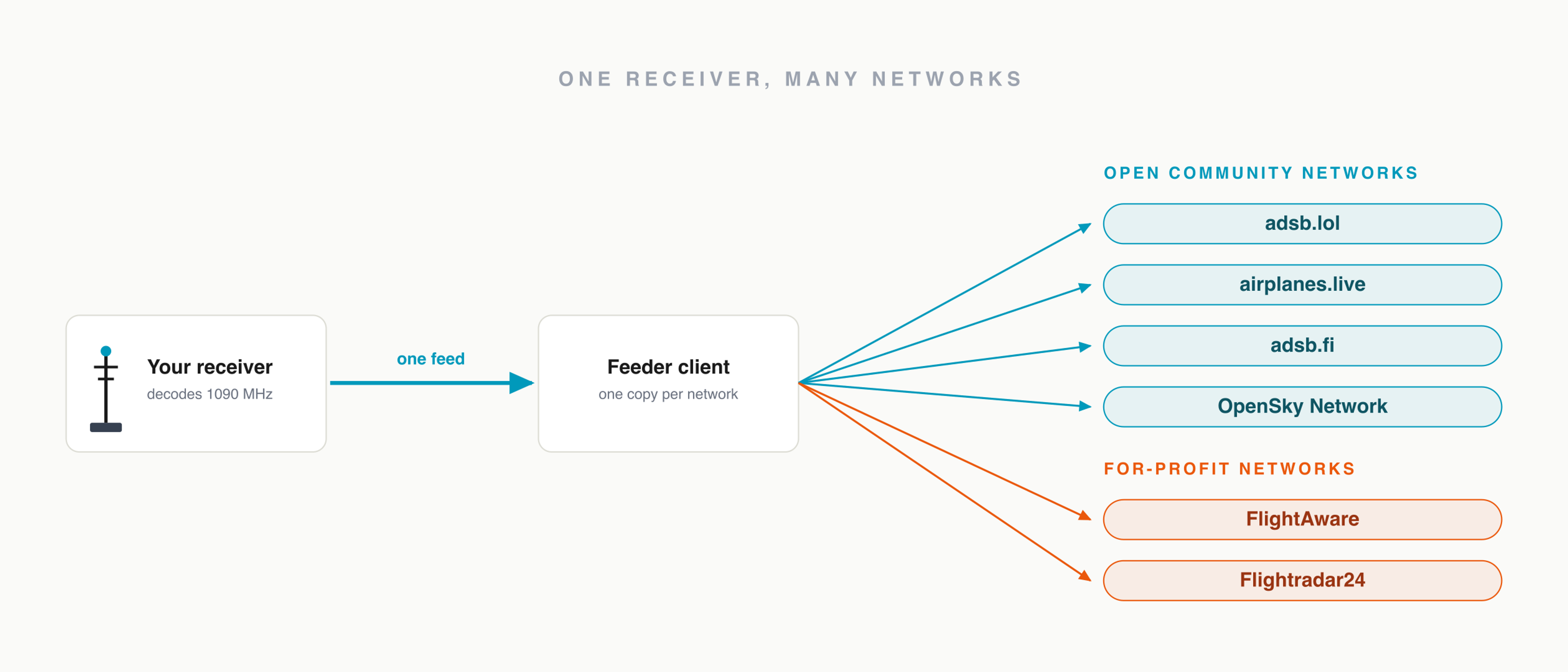
A good feeder image sends to each network as its own client rather than merging everything into one stream. That is deliberate. Each network runs its own multilateration server, which positions aircraft that lack ADS-B by comparing when their signals arrive at many receivers, and it can only do that with your receiver's raw, untouched timing synced to that network's own clock and neighbors. No two networks share a solver, so the feeds cannot be combined. Feeding ten networks is fine; merging them by hand is not.
The manual path: feed a receiver you already built
If you took the from-scratch build, you already have readsb decoding locally and only need to add feeder clients next to it. Each open network publishes a one-line installer that detects your decoder and starts sending alongside it, without touching your local map. Run as many as you like: your receiver decodes once and just forwards copies, so each extra network costs almost nothing.
This section is only for receivers built by hand in the terminal. The all-in-one image already installed and manages these feeds for you, so skip ahead to where your data goes.
adsb.lol installs with a single command:
curl -L -o /tmp/lol-feed.sh https://adsb.lol/feed.sh
sudo bash /tmp/lol-feed.sh
airplanes.live and adsb.fi work the same way. Rather than reprint their installer URLs here, where they would slowly go stale, open each network's own feed page and copy the current one-liner: airplanes.live and adsb.fi. Each one detects readsb and feeds alongside the others.
You are about to run an installer as root. Copy the command from each network's official feed page rather than trusting one you found elsewhere, including this one, so you know exactly what is about to run.
Each feed runs as its own background service, so you can manage one without disturbing the rest. The installers print the service names they create; check one with systemctl status <name>, and remove a feed later with systemctl disable --now <name>.
Where your data actually goes
Once a client is running you are a contributor, and the networks differ in what they do with your data. The split that matters is between the community networks that publish their aggregated feed openly and the companies that sell access to theirs.
This distinction has a specific history. ADS-B Exchange spent years as the community-fed aggregator of record, the one major site that did not filter out the military, government, and blocked-tail-number flights the big apps hide. In January 2023 its owner sold it to JETNET, a commercial aviation-data company. Many volunteers did not want their unpaid feeding to become a purchased asset, and a wave of them left to stand up open replacements. adsb.lol, airplanes.live, and adsb.fi all date from that moment, and all keep their data open by design.
| Open community networks | For-profit networks | |
|---|---|---|
| Examples | adsb.lol, airplanes.live, adsb.fi | FlightAware, Flightradar24 |
| The aggregated data | Published openly through a public API | Sold; access is the company's product |
| What feeding earns you | A public stats page and open access to the network's data | A free upgraded account |
| Where the data lives | An open commons | Company-controlled |
What "open" means here is concrete: each network makes its aggregated feed available to anyone through a public API, so the data you contribute stays queryable by hobbyists, researchers, and projects like this one rather than locked behind a login. They ask nothing else of you, and give you a public statistics page for your station. The for-profit networks pay contributors in features instead: FlightAware grants feeders a free Enterprise account, and Flightradar24 gives a free upgraded plan. Neither is wrong to feed, and feeding both camps at once is common. The point is that it is a choice, not a default, and the open networks only stay strong if people choose them on purpose. There is also the OpenSky Network, a non-profit that collects ADS-B for research; both feeding it and using its data go through its own registration rather than a one-line installer, and its access is geared to academic use, which makes it the right home if you want your feed to support science.
The open-network installers above do not feed FlightAware or Flightradar24. FlightAware is fed by PiAware, which is already running if you built with its image, and Flightradar24 has its own fr24feed installer. Add either one the same way, as one more client beside the rest.
Confirm the data is landing
A running installer is not proof that anyone is receiving you. Each network gives every feeder a statistics page once it sees your data: it shows your station, your message rate, and often a coverage map of how far out you reach. Find yours on each network you joined and confirm the numbers are climbing. This is different from the local graphs1090 page from the build guide, which measures your receiver's health; the network's page confirms the feed is actually arriving at the other end.
If your station shows few messages or short range on the stats page, the fix is almost never on the feeding side, it is the antenna. Feeding faithfully sends whatever you decode, so the way to contribute more is to hear more: height, a clear horizon, and good coax. That is the whole subject of how to extend your ADS-B range.
What your feed becomes
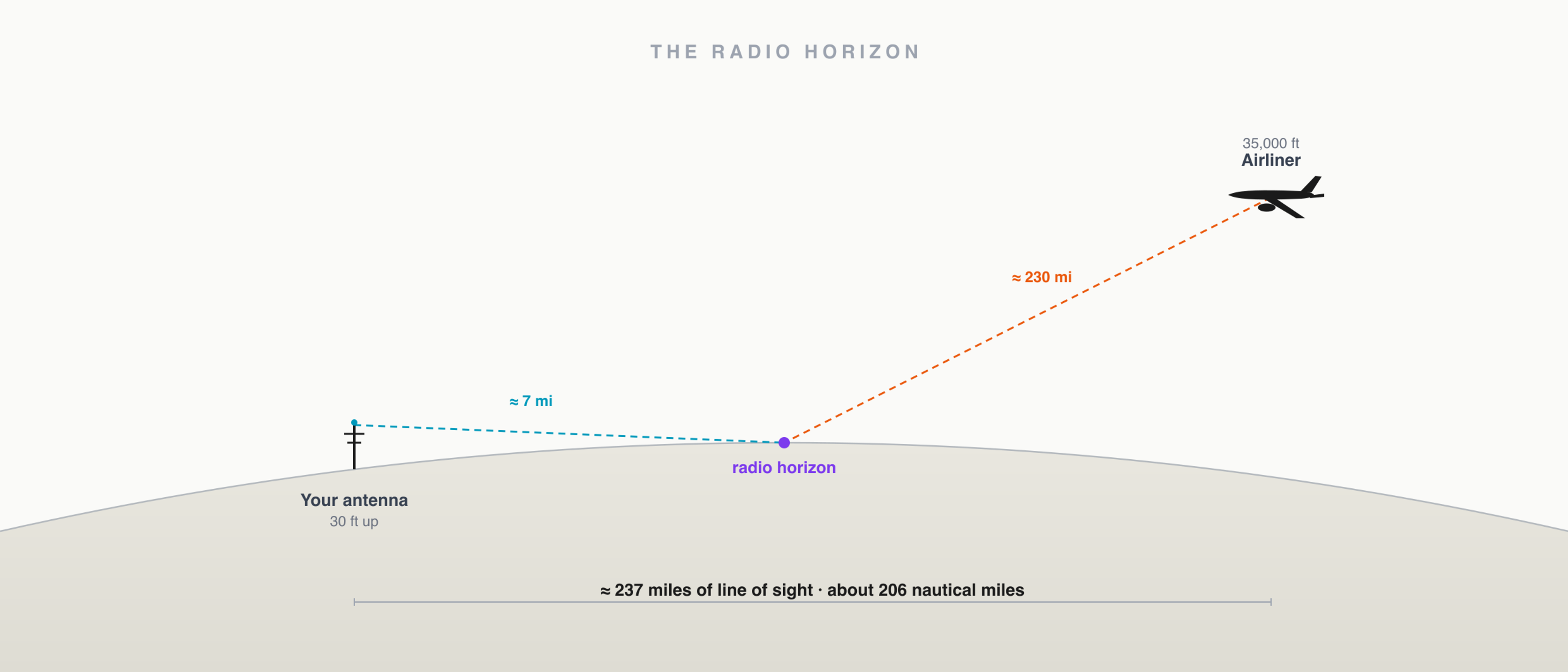
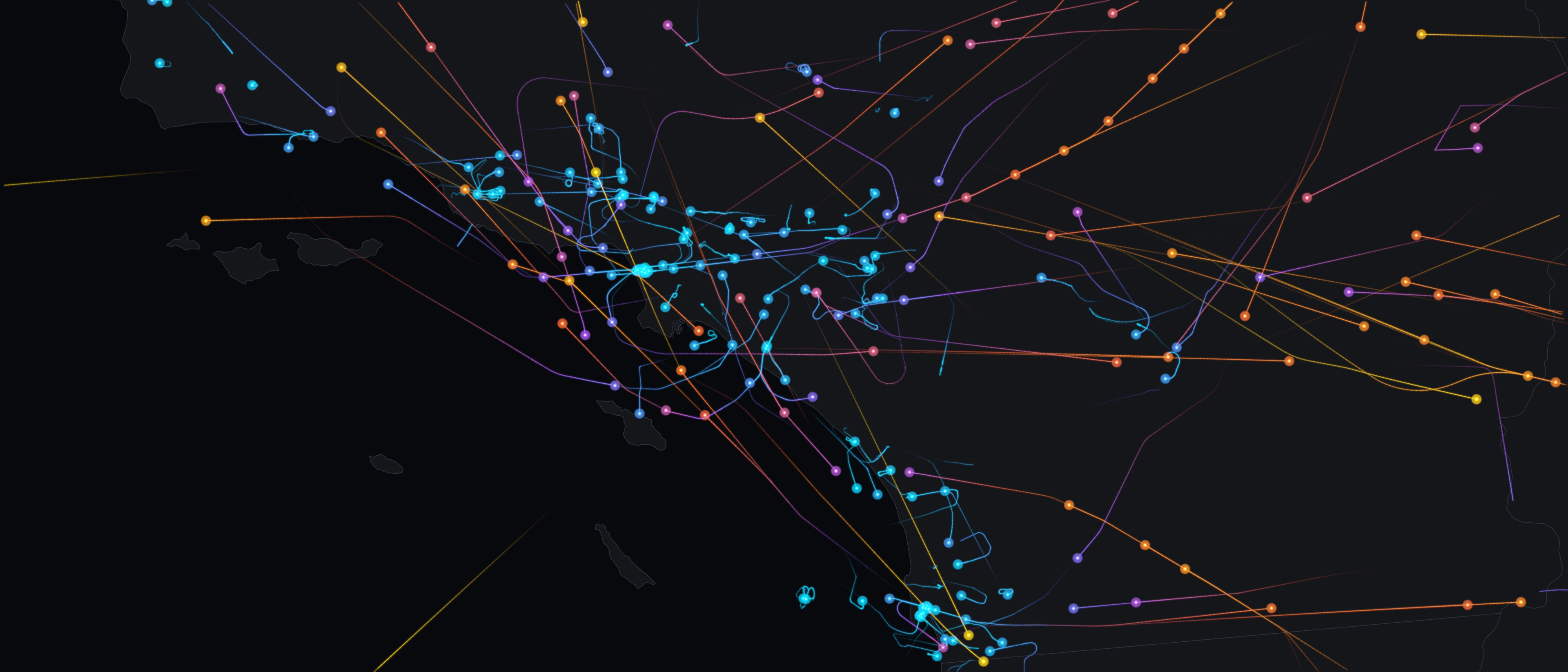
A single rooftop hears a few hundred miles in good conditions. Tens of thousands of them, each sending the same kind of feed you just set up, are what let a tracking site show an aircraft from gate to gate across an ocean. When you feed an open network, your slice of sky becomes a permanent tile in that map, and the data stays in the commons rather than behind a paywall. It is also the same raw material behind the flight-path prints we make at SkyPath: real broadcasts, gathered from receivers like yours, before they ever become art. If you are still new to the signal underneath all of this, what ADS-B is and the problem it solves is the place to start.